Home › Guides › Seminar and corporate event invitation wording
Seminar and corporate event invitation wording: templates
A corporate invitation should be clear, on brand, and get a quick reply. Here are templates for the most common events.
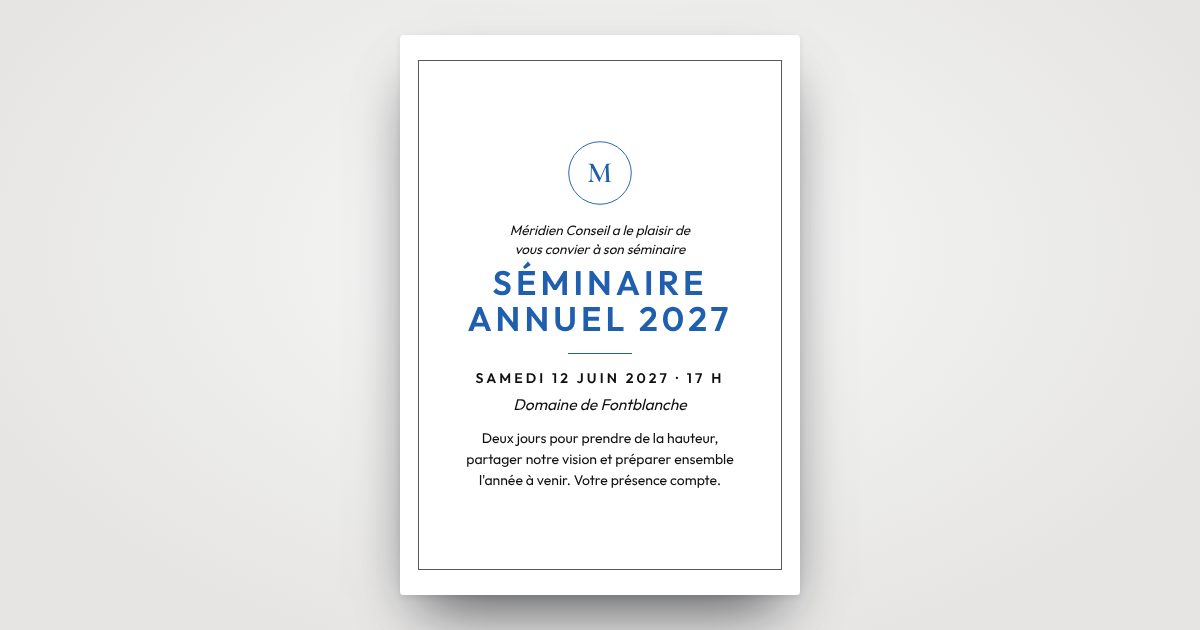
What to include
- The name of the event and the company.
- The date, times and venue, with directions.
- The agenda, even in a few lines.
- What's expected of attendees (dress, preparation, transport).
- The RSVP deadline and how to reply.
Internal seminar
Dear team, we are pleased to invite you to the company's annual seminar on Thursday 16 and Friday 17 September 2027 at Lakeside Lodge. On the agenda: year in review, workshops and a team evening. Please confirm your attendance by September 1.
Two days to step back and look ahead together: see you on September 16 and 17, 2027. Transport and accommodation provided. Sign up in one click from this invitation.
Client evening or gala
The company is pleased to invite you to its client evening on Thursday, October 7, 2027, from 7 p.m. at the Arts Pavilion. Cocktail dinner and surprises in store. Kindly reply by September 24.
To thank you for your trust, we would be delighted to welcome you to our gala evening on October 7, 2027.
Opening
We are pleased to invite you to the grand opening of our new offices on Friday, June 4, 2027, at 6:30 p.m., 12 Market Street. Tour, speeches and cocktails.
New address, same passion: come and discover our store on June 4, 2027, from 6 p.m.
New Year reception
The whole team is pleased to invite you to our New Year reception on Thursday, January 13, 2028, at 6 p.m. Let's raise a glass together to a great 2028.
Getting sign-ups without chasing
A personal link for each guest, a button to reply, and a clear deadline. Replies all arrive in one place, on your private platform, with an alert for every sign-up and a list ready for check-in. With our Design + SMS Sending plan, we send the invitation to each attendee by text message. See our pages on seminars, client evenings and grand openings.
Design it online and see the result with every choice. And if you like, we send it to each of your guests.
Create my invitationUpdated October 30, 2026 · Seminar: see our invitations